How to Choose the Right Payroll Software in India

How to Choose the Right Payroll Software in India | Complete Buyer’s Guide 2026

Choosing payroll software is not only about salary processing. The right platform should support compliance, attendance integration, automation, reporting, and future business growth. This complete buyer’s guide helps Indian businesses evaluate the right payroll software in 2026 with clarity.

Managing payroll in India has become more complex due to changing compliance requirements, employee expectations, multi-location teams, and increasing pressure on HR departments. Businesses that still depend on spreadsheets or disconnected systems often face salary errors, statutory delays, and productivity issues.

If you are evaluating payroll management software, this guide will help you make a confident decision based on business fit, compliance, usability, and long-term value.

What this guide will help you evaluate

  • Business requirements and workforce structure
  • Payroll compliance support for India
  • Automation and integration with HR processes
  • Pricing, scalability, and implementation support
  • Best-fit software for long-term growth

Why Choosing the Right Payroll Software Matters

Selecting the wrong payroll system can create recurring operational problems. Payroll is directly connected to employee trust, compliance, and financial accuracy. A weak system may look affordable initially, but it often becomes expensive through mistakes, rework, and penalties.

  • Salary miscalculations can damage employee confidence
  • Non-compliance can lead to penalties and audit issues
  • Manual processing increases dependency on HR staff
  • Lack of reporting limits management visibility
  • Poor integration creates duplicate work across departments
Important: If your payroll process also depends on attendance, leave, contractor data, or statutory records, you should evaluate software as part of a larger HRMS ecosystem, not as a standalone salary tool.

1. Understand Your Business Requirements First

Before comparing tools, define what your business actually needs. Payroll software should fit your workforce structure, business size, industry, and operational complexity.

Ask these questions before shortlisting software

  • How many employees are on payroll today?
  • Will your headcount increase in the next 12 to 24 months?
  • Do you manage multiple branches or plants?
  • Do you have contract labour, shifts, or seasonal staff?
  • Do you need payroll outsourcing support or only software?

Businesses with complex workforce structures may also need attendance software with mobile access, leave management software, and specialized workflows for contractor or labour compliance.

2. Check Indian Compliance Capabilities Carefully

In India, payroll software must do more than calculate salaries. It should also help businesses stay aligned with statutory and labour-related obligations.

Look for support for

  • Provident Fund calculations and reports
  • ESIC processing
  • TDS calculations and deductions
  • Bonus and gratuity handling
  • Statutory record generation
  • Compliance-ready reporting for audits

If compliance is a major priority for your organization, review whether the software is aligned with statutory management workflows and related updates in labour and payroll regulations.

You can also support this article with internal reference to HR compliance checklist India 2026 and labour codes and payroll impact in India for deeper topical authority.

3. Look for Payroll Automation Features

One of the biggest reasons businesses invest in payroll software is automation. Manual entries increase the chances of salary errors, calculation mismatches, and delayed monthly processing.

Essential automation features include

  • Automatic salary structure processing
  • Attendance and leave sync
  • Auto-generated payslips
  • Tax calculations
  • Reimbursement adjustments
  • Loan and advance deductions

If employee advances and deductions are part of your workflow, internal linking to loan management system can strengthen this topic cluster.

4. Evaluate Integration with HRMS Modules

Payroll works best when connected with the rest of your HR operations. Standalone tools often create data silos, which means HR teams still need to enter the same information multiple times.

Prioritize software that integrates with

Integrated software improves accuracy, reduces HR dependency, and gives management a single source of truth.

5. Check Ease of Use for HR Teams and Employees

A payroll solution should not require constant training or vendor dependency for routine work. The interface should be simple for HR teams and useful for employees.

Usability indicators to check

  • Simple dashboard for payroll admins
  • Fast report access
  • Employee self-service access to payslips and tax details
  • Mobile accessibility for distributed teams
  • Role-based access for managers and finance teams

Businesses that want better employee experience can also explore employee self-service features and how HRMS reduces human errors in daily operations.

6. Compare Pricing With Long-Term ROI

Pricing should always be evaluated against the value you receive. The cheapest payroll software may not be the most cost-effective option if it lacks automation, compliance readiness, or implementation support.

Review these cost factors

  • Per employee pricing model
  • Setup and onboarding charges
  • Support and maintenance costs
  • Customization or integration charges
  • Hidden costs related to payroll revisions or extra modules

A smart next internal link here is InSyPay pricing so decision-stage readers can move straight to evaluation.

Need a payroll solution built for Indian businesses?

Explore a payroll platform that supports compliance, attendance, leave integration, employee self-service, and scalable HR operations from one place.

7. Review Security, Cloud Access, and Data Control

Payroll data includes salary details, tax information, employee records, and other confidential business data. Your software should offer secure access and proper controls.

Look for these security capabilities

  • Cloud-based accessibility
  • Data encryption
  • User permission controls
  • Backup and recovery support
  • Audit trail visibility

For multi-location teams, cloud accessibility can significantly improve payroll approvals and operational flexibility.

8. Check Implementation and Support Before Finalizing

Even good software can fail if onboarding is poor. Implementation support is especially important when migrating from spreadsheets or a legacy payroll platform.

Ask the vendor about

  • Implementation timeline
  • Data migration support
  • Training for HR and admin teams
  • Post-go-live assistance
  • Availability of dedicated customer support

If your business prefers outsourced support for certain payroll functions, consider linking to payroll outsourcing services.

Manual Payroll vs Payroll Software

Many businesses continue with spreadsheets because it feels familiar. However, manual payroll quickly becomes inefficient once the business grows or compliance complexity increases.

Factor Manual Payroll Payroll Software
Accuracy High risk of formula and entry errors Automated calculations reduce mistakes
Compliance Needs frequent manual tracking Better support for statutory workflows
Time Consumption Very high for HR teams Faster monthly processing
Scalability Difficult as employee count grows Suitable for expansion and multiple locations
Reporting Limited and manual Centralized and real-time visibility
Employee Experience Depends on HR support Self-service access improves convenience

Industry-Specific Considerations Before Buying

The best payroll software for one industry may not be the best choice for another. You should assess software based on your workforce and compliance model.

Examples of industry needs

  • Manufacturing: shift handling, attendance sync, contractor tracking
  • Construction: labour compliance, contractor payments, site-based records
  • Service companies: leave, expense, appraisal, and performance workflows
  • Hostel or institutional operations: staff records and administrative workflows

Relevant internal links for industry contextual depth:

Common Mistakes to Avoid While Choosing Payroll Software

  • Choosing based only on price
  • Ignoring Indian compliance requirements
  • Not checking integration with attendance and leave
  • Skipping demo and product walkthrough
  • Not evaluating support quality
  • Choosing a tool that cannot scale with business growth

Final Buyer’s Checklist

Before you finalize payroll software, make sure the solution can answer yes to these questions:

  • Does it support payroll compliance in India?
  • Does it integrate with attendance and leave data?
  • Can employees access payslips and records easily?
  • Is the software cloud-based and secure?
  • Can it grow with your business?
  • Does the vendor provide implementation and support?

Ready to simplify payroll and HR operations?

InSyPay helps businesses manage payroll, attendance, leave, employee self-service, compliance workflows, and more through an integrated platform designed for Indian organizations.

Conclusion

Choosing the right payroll software in India is a business decision that affects compliance, employee trust, reporting quality, and operational efficiency. The best payroll system is one that fits your workforce, automates routine processes, supports statutory needs, and scales with your growth.

If you are evaluating a platform for 2026, focus on integration, compliance readiness, support quality, and long-term value instead of only initial pricing.

Frequently Asked Questions

What is the most important feature to check in payroll software in India?

Compliance support is one of the most important features. Payroll software should handle statutory requirements, tax deductions, salary processing, and reporting accurately.

Should payroll software be integrated with HRMS?

Yes. Integration with attendance, leave, employee data, and self-service features reduces manual work and improves payroll accuracy.

Is cloud-based payroll software better for growing businesses?

In most cases, yes. Cloud-based payroll systems offer flexibility, centralized access, better scalability, and easier data management for growing teams.

How do I know if payroll software is right for my industry?

Review whether the software supports your industry workflows such as shifts, contract labour, compliance complexity, branch-wise payroll, or employee mobility.

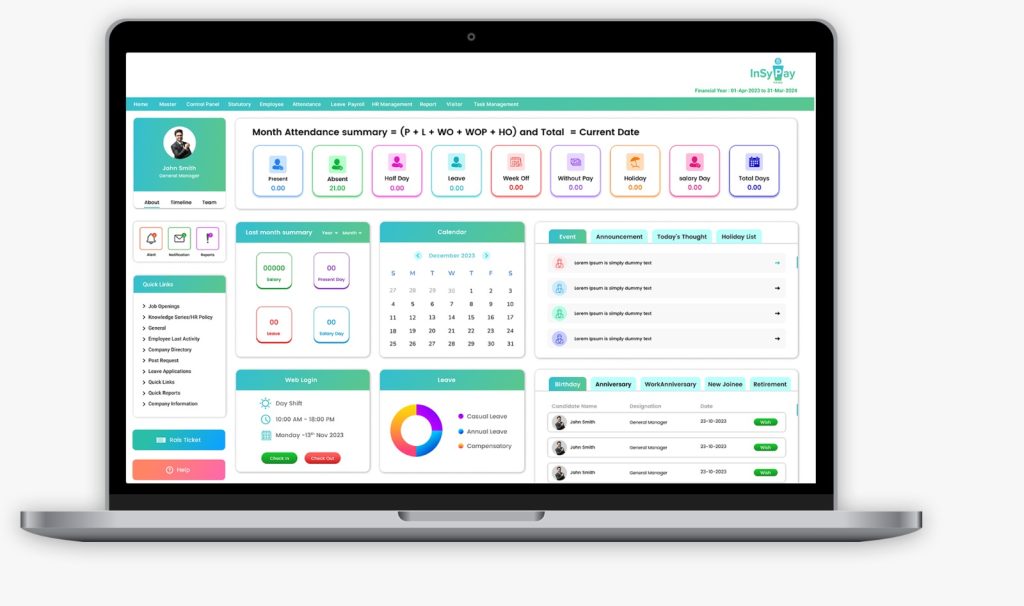
Best HRMS Software in India (2026): Pricing, Ratings, Features & Comparison

Best HRMS Software in India

Choosing the best HRMS software in India depends on more than just features. Most HR and business leaders compare pricing, ratings, founding credibility, key features, pros, cons, and business fit before shortlisting a platform.

This blog gives you a clear, data-driven comparison of the top 10 HRMS software in India to help you make a confident decision.

Best HRMS Software in India – Quick Comparison

HR SoftwareFoundedPricing (Starting)Avg. RatingBest For
InSyPay HRMS2014₹70/user/month 4.4SMEs to Enterprises
Zoho People2008₹48/user/month (billed annually)4.3SMEs to Enterprises
Darwinbox2015Custom Pricing3.9Mid to Large Enterprises
Keka HR2015₹6,999/month (up to 100 employees)4.3SMEs to Enterprises
ZingHR2014Custom Pricing4.7Large Enterprises
greytHR1994₹50/month (up to 50 employees)4.3SMEs to Enterprises
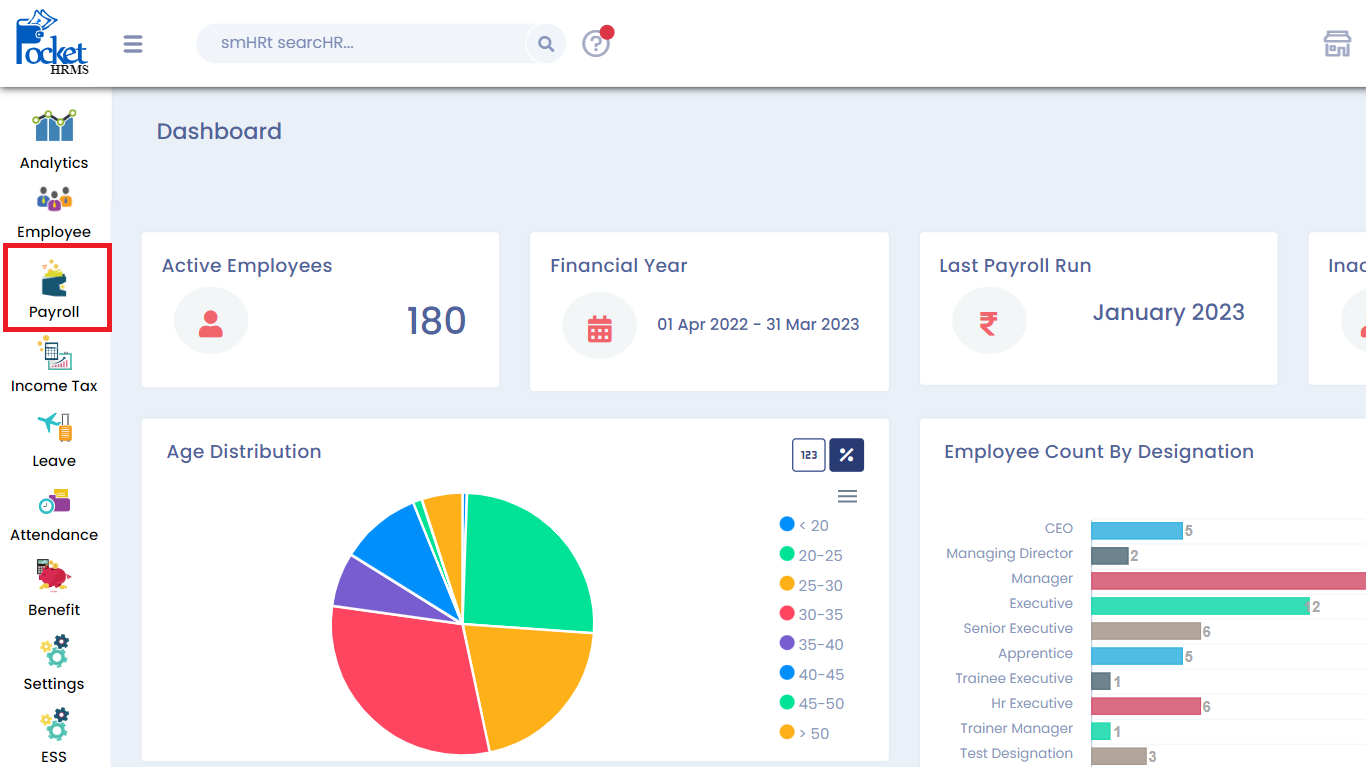
Pocket HRMS2013₹60/employee/month4.0SMEs & Mid-sized
PeopleHum2015$2/employee/month4.3SMEs to Enterprises
HROne2016₹4950/Month/50user4.2SMEs to Mid-market
Quikchex2019₹4500/Month/50user4.1SMEs & Startups

InSyPay HRMS

Best HRMS software in India for payroll, attendance, and workforce operations

InSyPay HRMS is built for Indian organizations that need strong attendance control, payroll accuracy, and statutory-ready workflows. The platform focuses on real operational use cases such as multi-location teams, shift-based attendance, and compliance-oriented payroll processes.

Founded: 2014
Pricing: Custom pricing based on employee count and selected modules
Average Software Rating: 4.4

Key Features

  • Attendance management with shift and workforce rules
  • Payroll management with statutory workflows
  • Statutory compliance management
  • Recruitment management system
  • Appraisal and performance management
  • Training management system
  • Travel and expense management
  • Employee self-service portal

Pros

  • Designed specifically for Indian payroll and attendance realities
  • Strong fit for attendance-heavy and multi-location teams
  • Modular and scalable for growing businesses

Cons

  • Multi-country payroll needs confirmation

Zoho People

https://www.zohowebstatic.com/sites/zweb/images/people/zp-hr-automation.png

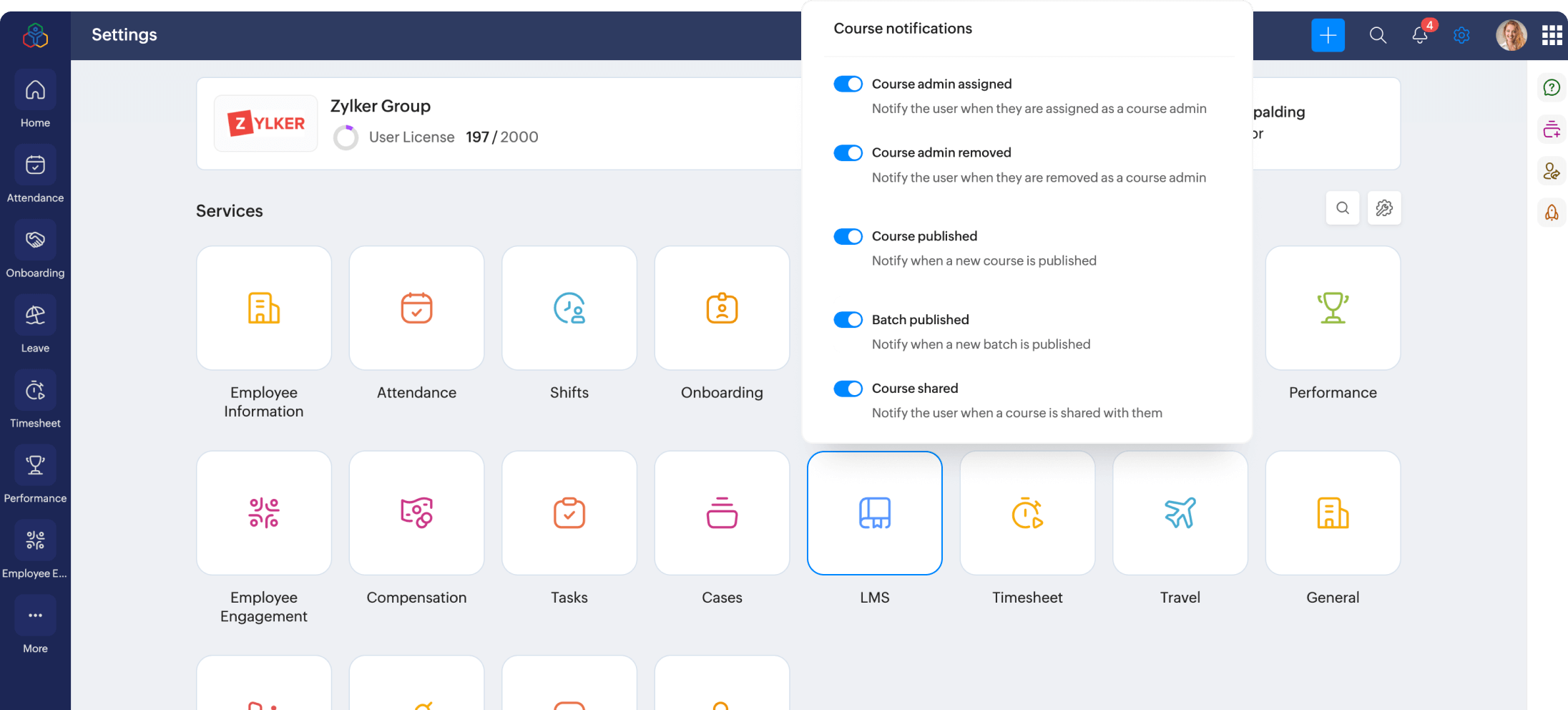
Zoho People is part of the Zoho suite and is commonly used by businesses already relying on Zoho applications. It provides flexible HR automation with deep ecosystem integrations.

Founded: 2008
Pricing: ₹48 per user per month billed annually
Average Software Rating: 4.3

Key Features

  • Core HR management
  • Attendance and leave tracking
  • Performance management
  • Workflow automation
  • Integrations with Zoho apps

Pros

  • Affordable entry pricing
  • Strong integration ecosystem

Cons

  • Payroll and compliance depth varies by use case

Darwinbox

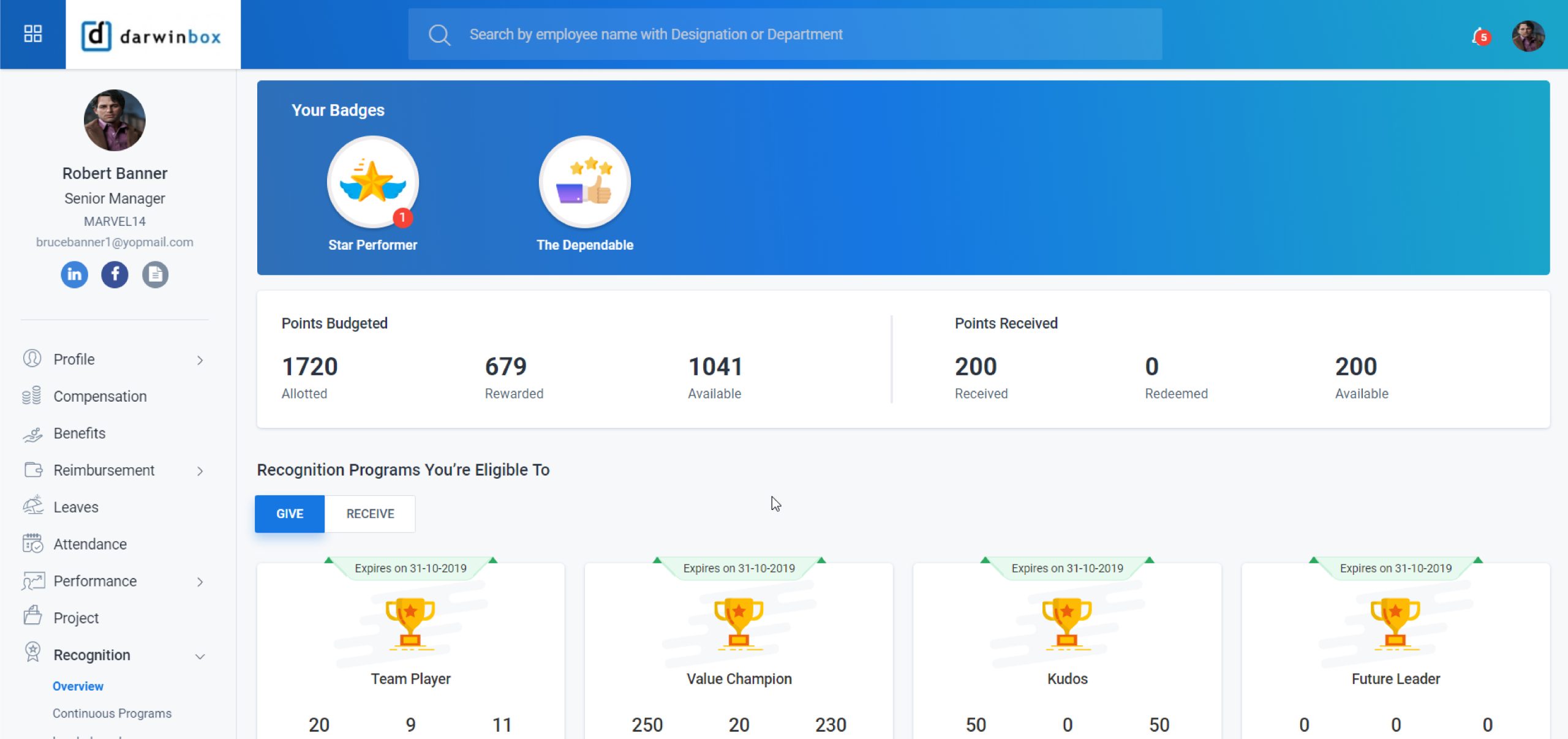
Darwinbox is an enterprise-focused HRMS platform built for automation, scalability, and complex HR workflows across large organizations.

Founded: 2015
Pricing: Custom pricing
Average Software Rating: 3.9

Key Features

  • End-to-end HR lifecycle management
  • Advanced workflows and analytics
  • Performance and talent management

Pros

  • Enterprise-ready architecture
  • Strong automation capabilities

Cons

  • Heavy implementation effort
  • Not ideal for small teams

Keka HR

https://www.keka.com/media/2024/06/psa.png

Keka HR is known for its clean interface and employee-first design. It helps organizations automate HR processes while improving engagement and transparency.

Founded: 2015
Pricing: Starts at ₹6,999 per month for up to 100 employees
Average Software Rating: 4.3

Key Features

  • Payroll with statutory compliance
  • Leave and attendance management
  • Performance tracking with OKRs and KPIs
  • Recruitment automation
  • Employee engagement tools
  • Expense and reimbursement management

Pros

  • Attendance synced directly with payroll
  • High user adoption

Cons

  • No shared file management system
  • Advanced customization on higher plans

ZingHR

https://www.hono.ai/hs-fs/hubfs/zinghr-payroll.png?height=534&name=zinghr-payroll.png&width=868

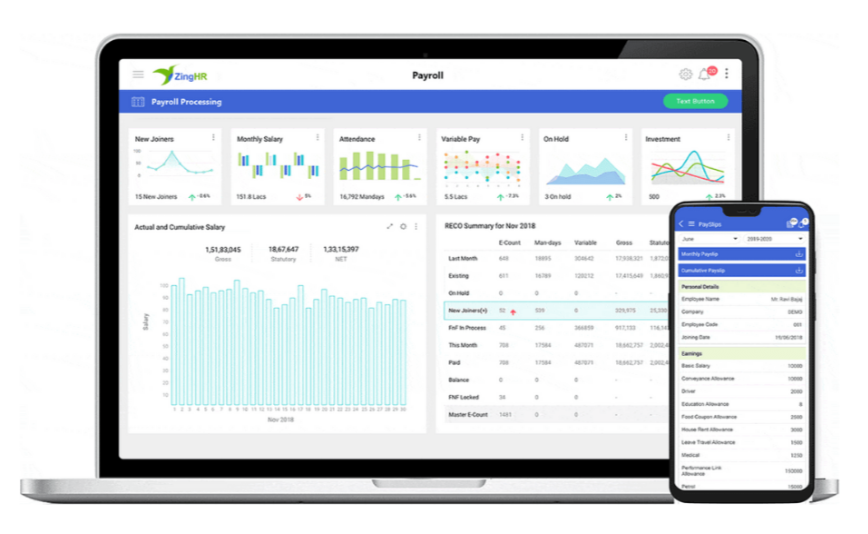
ZingHR is widely used by large enterprises with complex organizational structures and large workforces.

Founded: 2014
Pricing: Custom pricing on request
Average Software Rating: 4.7

Key Features

  • Enterprise HR lifecycle management
  • Payroll and statutory compliance
  • Workforce analytics and reporting

Pros

  • Strong enterprise adoption
  • Robust reporting capabilities

Cons

  • High implementation effort
  • Not suitable for very small teams

greytHR

https://www.datocms-assets.com/40521/1705578683-payroll-software-overview.png?auto=format&w=1081

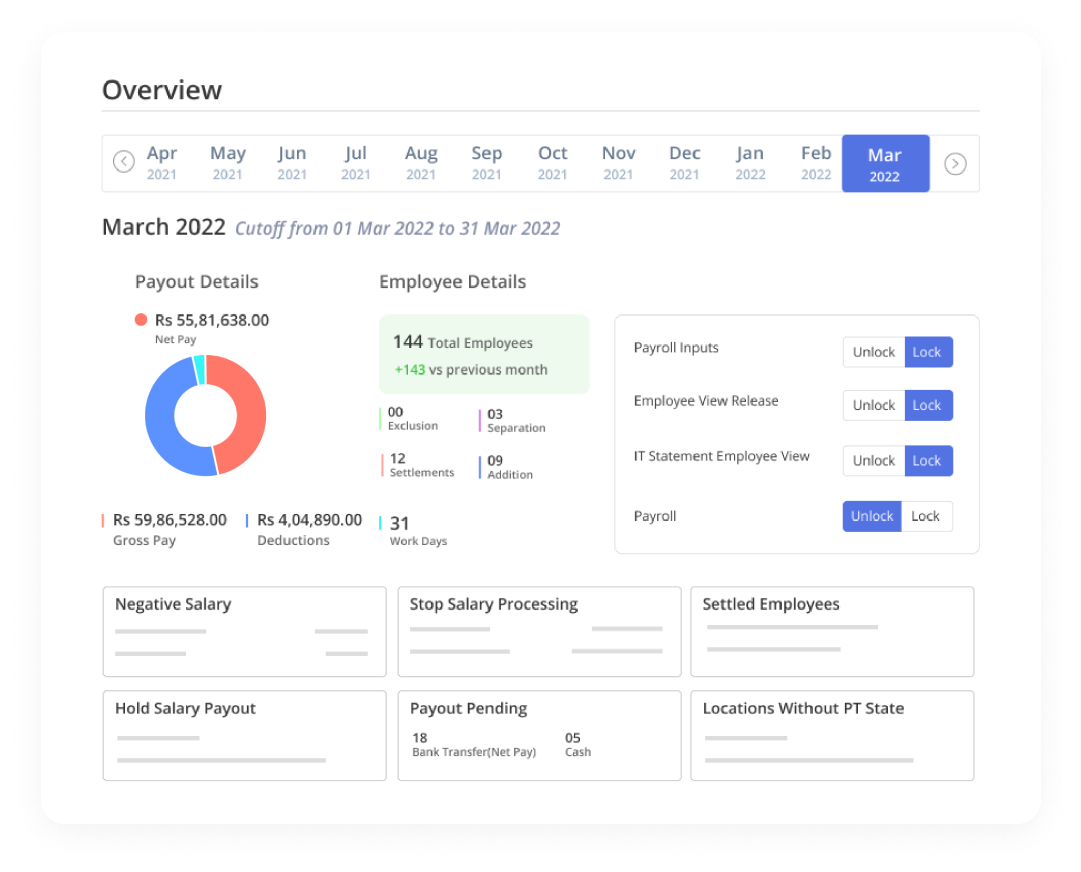
greytHR is a payroll-first HRMS trusted by Indian SMEs for decades.

Founded: 1994
Pricing: ₹50 per month for up to 50 employees
Average Software Rating: 4.3

Pros

  • Strong payroll and compliance foundation
  • Long-standing market trust

Cons

  • Limited advanced HR features

Pocket HRMS

https://docs.pockethrms.com/~gitbook/image?dpr=3&quality=100&sign=da8466cd&sv=2&url=https%3A%2F%2F4282324958-files.gitbook.io%2F~%2Ffiles%2Fv0%2Fb%2Fgitbook-x-prod.appspot.com%2Fo%2Fspaces%252F-MXep_PEmh8mDPVWj49x%252Fuploads%252FYYm1W5mTVXjaDCThmO8y%252Ffnf-1.png%3Falt%3Dmedia%26token%3D6f014c27-0ebb-47b8-8453-2c55792ef6d3&width=768

Pocket HRMS is designed for small and mid-sized businesses starting their HR digitization journey.

Founded: 2013
Pricing: ₹60 per employee per month
Average Software Rating: 4.0

Pros

  • Easy onboarding
  • Simple to use

Cons

  • Limited customization options

PeopleHum

Best HRMS software in India for HR plus engagement

https://cdn.prod.website-files.com/62d84b3d3ba446604d041a16/62d84b3d3ba4460832041b93_1-on-1-peopleHum%20%7CpeopleHum.webp

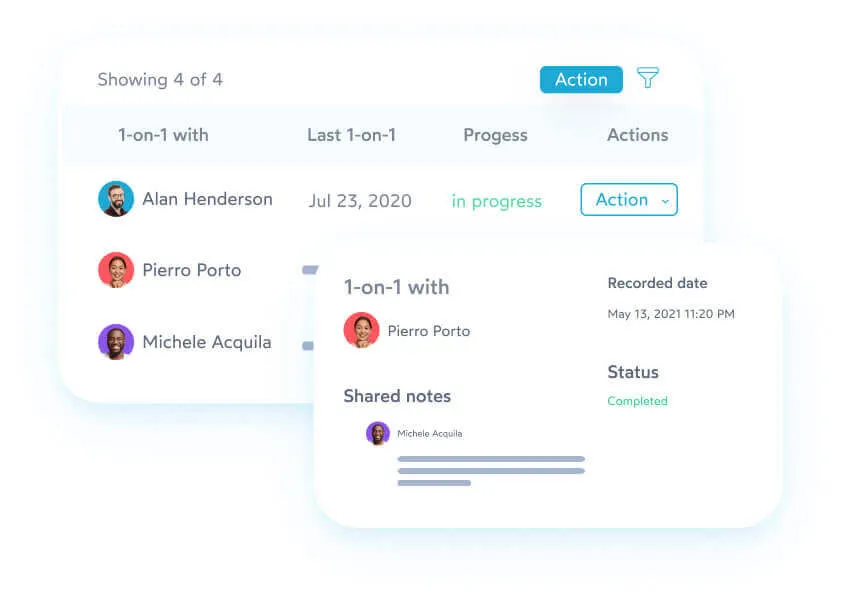
PeopleHum combines HR operations with employee engagement and talent management tools.

Founded: 2015
Pricing: Custom pricing
Average Software Rating: 4.3

Pros

  • Strong engagement and talent modules
  • Modern UI

Cons

  • Payroll depth varies by requirement

HROne

Best HRMS software in India for structured HR operations

https://media.licdn.com/dms/image/v2/C560BAQHNgaAs4CG_bg/company-logo_200_200/company-logo_200_200/0/1640054341505/hrone_china_logo?e=2147483647&t=jQn0rkOzPU4ngYO2F2zd0jDZJ-6kqF0xjkMLWBhgxfA&v=beta
https://gdm-catalog-fmapi-prod.imgix.net/ProductScreenshot/0db770bc-85d3-413e-bb0f-45fbcaf89b88.png?auto=format&q=50

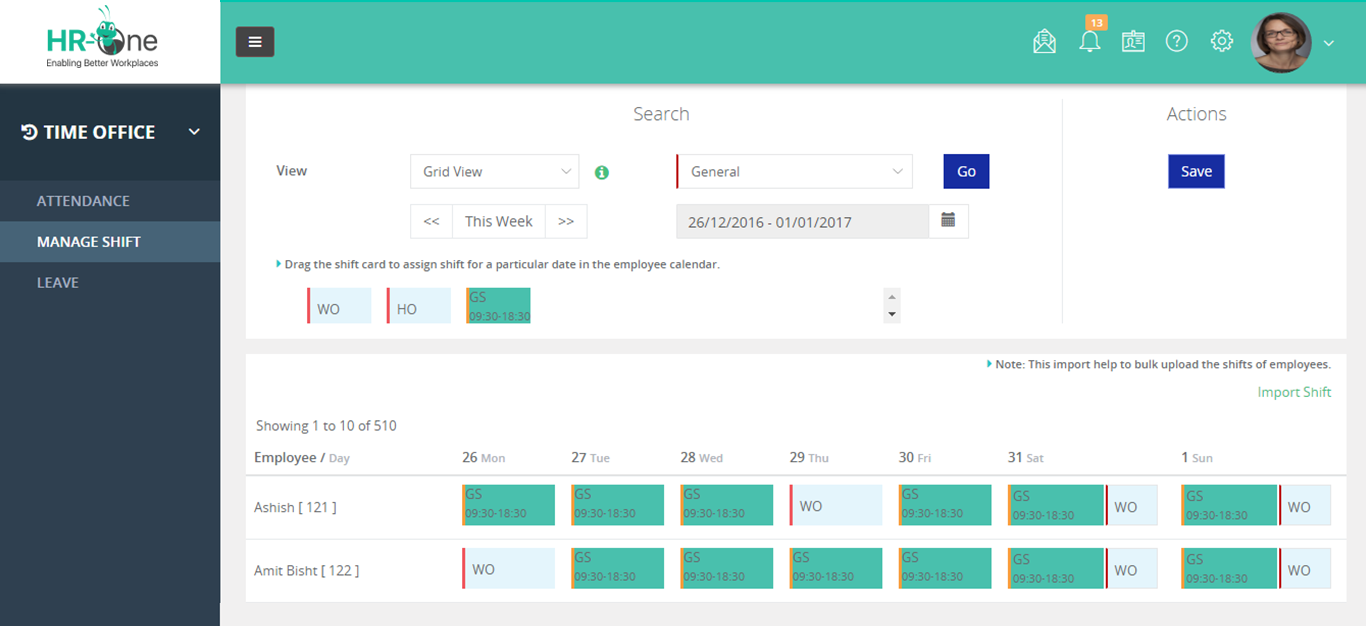
HROne focuses on structured HR processes with strong workflow control.

Founded: 2016
Pricing: Custom pricing
Average Software Rating: 4.2

Pros

  • Structured approval workflows
  • Suitable for growing organizations

Cons

  • UI may feel complex for small teams

Quikchex

Best HRMS software in India for compliance-led payroll

https://d33v4339jhl8k0.cloudfront.net/docs/assets/59a143d7042863033a1c4f67/images/6551baff00e96206bf00109e/file-JiDBxRBQ9B.jpg

Quikchex is known for its payroll and compliance-centric HRMS approach.

Founded: 2019
Pricing: Custom pricing
Average Software Rating: 4.1

Pros

  • Strong payroll and compliance focus
  • Good support for Indian statutory needs

Cons

  • Limited advanced HR features

How to choose the best HRMS software in India

When making a final decision, compare platforms based on:

Implementation effort and post-go-live support

Total cost of ownership, not just starting price

Payroll and statutory compliance depth

Attendance and shift management

Ease of use for employees and managers

Labour Codes Implemented in 2025: Payroll Impact and Compliance Reality in 2026

Labour Codes 2025 Impact on Payroll in India (2026 Guide) | InSyPay

Labour Codes Implemented in 2025: Payroll Impact and Compliance Reality in 2026

India’s Labour Codes were implemented in 2025, fundamentally changing how employers define wages, run payroll, and manage statutory compliance. In 2026, organisations are now dealing with the real execution impact of these reforms.

This guide explains what payroll teams are experiencing today, what HR leaders must fix now, and how employers can stay compliant in the current enforcement environment.

Quick takeaway: Labour Codes are no longer future policy. In 2026, payroll execution, wage structuring, and statutory reporting are being actively reviewed.

Where Labour Codes Stand Today in 2026

Since their implementation in 2025, Labour Codes have moved into the enforcement phase. In 2026, payroll audits, employee queries, and compliance reviews are exposing gaps in wage structures, statutory calculations, and attendance accuracy.

  • Increased scrutiny on wage definition
  • Higher PF and gratuity exposure for some roles
  • Stronger audit and documentation expectations
  • More importance on digital payroll systems

The Four Labour Codes and Their Payroll Impact

Each Labour Code impacts payroll differently, but together they redefine how payroll must be structured and managed.

  • Code on Wages: Impacts wage definition, salary structure, PF and bonus base.
  • Code on Social Security: Expands PF, ESI, and gratuity coverage.
  • Industrial Relations Code: Strengthens fixed-term employee benefit parity.
  • OSH Code: Standardises working hours, overtime, and attendance rules.

Wage Structure Impact in 2026

One of the biggest payroll changes comes from how wages are structured. Many organisations are revisiting salary components to ensure statutory calculations remain compliant.

Example: If an employee’s monthly CTC is ₹80,000, payroll teams often need to reassess how wage components are split to align with statutory expectations.

What Changes in PF, Gratuity, and Overtime

  • PF impact depends on how wages are defined
  • Gratuity liability may increase with revised wage base
  • Overtime disputes rise when attendance data is weak
  • Audits demand clean, traceable payroll records

Payroll Compliance Checklist for 2026

  1. Review salary structure and wage components
  2. Validate PF, ESI, and gratuity configuration
  3. Fix attendance and overtime workflows
  4. Ensure fixed-term employee compliance
  5. Maintain audit-ready payroll reports

How InSyPay Helps You Stay Labour Code Compliant

InSyPay is designed for Indian payroll compliance and helps HR teams manage wage structures, statutory calculations, attendance integration, and audit-ready reporting with confidence.

Explore our solutions:
Payroll Management Software | Statutory Management | Attendance Management | Pricing

Not sure if your payroll setup is Labour Code compliant?

Get a payroll compliance walkthrough and identify gaps before they become penalties.

Request a Demo

Note: This article is for informational purposes. For legal interpretation and state-wise applicability, consult your compliance advisor.

Payroll Management System: Simplify and Automate Your Payroll Process

Payroll Management System

Discover how Insypay’s Payroll Management System automates salary processing, reduces errors, and ensures compliance, all in one platform.

Introduction to Payroll Management

Managing payroll can be a complex and time-consuming task, especially when dealing with diverse compensation structures, deductions, and tax calculations. A robust Payroll Management System streamlines these processes, ensuring that salaries are processed accurately and on time. With Insypay’s advanced payroll solution, businesses can automate salary calculations, tax deductions, and even employee reimbursements, saving HR teams significant time and effort.

Key Features of Payroll Management

Here are the essential features of a modern Payroll Management System:

  • Automated salary processing in just a single click, reducing manual errors.
  • CTC, wages, and hourly-based salary calculations for accurate payroll processing.
  • Off-cycle payments with automated TDS (Tax Deducted at Source) calculations for one-time payments.
  • Salary & reimbursement slip generation for clear documentation of employee earnings.
  • Reimbursement integration with payroll, making it easier to handle claims and settlements.
  • Custom salary structures and formulas to cater to unique compensation models.
  • Auto arrears and bonus calculations to ensure no payments are missed.
  • Full & final settlements processing to simplify employee exit formalities.
  • Flexible additions/deductions to customize employee pay based on company policies.

Why Businesses Need an Automated Payroll Management System

The benefits of an automated payroll system are extensive, and implementing one can significantly improve business efficiency. By adopting Insypay’s Payroll Management System, your organization can:

  1. Ensure accuracy: Automated calculations reduce the chances of human errors in salary, deductions, and reimbursements.
  2. Save time: Processes that previously took days can now be done in minutes, freeing up HR staff for other strategic tasks.
  3. Achieve compliance: Automated TDS and tax calculations help ensure compliance with government regulations.
  4. Enhance employee satisfaction: Employees can view their salary slips, reimbursements, and other payment details at any time.
  5. Increase security: Reduce the risk of payroll fraud with secure, encrypted data handling and transparent processes.

Integration with HRMS and Other Modules

One of the biggest advantages of Insypay’s Payroll Management System is its seamless integration with other HRMS modules. Whether you’re managing attendance, performance, or benefits, everything is connected within one platform. For example:

  • Attendance Management: Automatically syncs attendance data to payroll for accurate salary and overtime calculations.
  • Labour Management: Facilitates smooth management of contract workers and calculates their wages.
  • Canteen Management: Integrates meal costs and subsidies directly with employee payroll.

Benefits of Implementing Payroll Management

Benefit Impact
Accuracy Reduces payroll errors and ensures employees are paid correctly.
Time Efficiency Payroll processing takes minutes instead of hours or days.
Employee Transparency Employees have access to real-time payroll details and reimbursement records.
Regulatory Compliance Ensures adherence to tax regulations, including TDS and other statutory deductions.
Security Payroll data is securely encrypted and stored, protecting sensitive information.

Frequently Asked Questions (FAQs)

1. What is Payroll Management?

Payroll Management involves the administration of employees’ salaries, benefits, deductions, and taxes within an organization.

2. How does Insypay automate salary processing?

Insypay automates salary processing by calculating wages, deductions, and reimbursements based on predefined formulas and attendance data.

3. Does the system handle off-cycle payments?

Yes, Insypay can handle off-cycle payments such as bonuses or one-time settlements, with automated TDS calculations.

4. Can I customize salary structures in Insypay?

Yes, Insypay allows businesses to create custom salary structures and formulas that align with their specific compensation models.

5. Is there a full and final settlement feature?

Yes, Insypay’s system simplifies the full and final settlement process by automatically calculating pending dues and deductions for employees leaving the organization.

6. How does Insypay integrate with other HRMS modules?

Insypay’s Payroll Management integrates seamlessly with other HRMS modules like Attendance, Labour, and Canteen Management, providing a holistic workforce management solution.

Conclusion

A modern Payroll Management System is crucial for any business aiming to streamline payroll processing and ensure compliance. With Insypay, you can automate every aspect of payroll, from salary calculations to tax deductions and reimbursements. With enhanced accuracy, efficiency, and security, Insypay’s Payroll Management System empowers businesses to focus on what truly matters—growing and managing their workforce. If you want to make payroll processing easier and more effective, consider integrating Insypay into your business.